
Exclamation Triangle
Known Issues
Room Power:
The projector does not always respond to the touch panel. You may have to power it on/off using the remote. The remote is found in the drawer underneath the instructor desk. Be sure to select the power button and not the green standby button. You may run into the same issue with the TVs.
Auto-Framing:
Do not use any auto-framing or multi-stream option to control the focus of the camera. This can cause some issues with the camera or will fail to properly capture the professor/students.
Document Camera:
Even though there is a document camera in the ceiling, you will need to use the document camera that is on the table instead. The ceiling camera is from the old system and cannot be used in the Zoom Room system.
Lightbulb
Helpful Room Hints
The projector screen is not able to be controlled via the touch panel. To lower and raise the projector screen, you will need to use the silver switch found in the rack under the instructor desk. Hold the switch down to move the screen down and up to move it up. Do not try using the glowing orange button. That controls the power for all the equipment in the room. The Instructor mic is the same as the student mic. There is no lapel mic in this room, just the ceiling microphones. When facilitating an origination class, you will need to leave the ceiling mics on for the duration of class. If you are facilitating a receive class, please continue to mute and unmute the microphones as needed.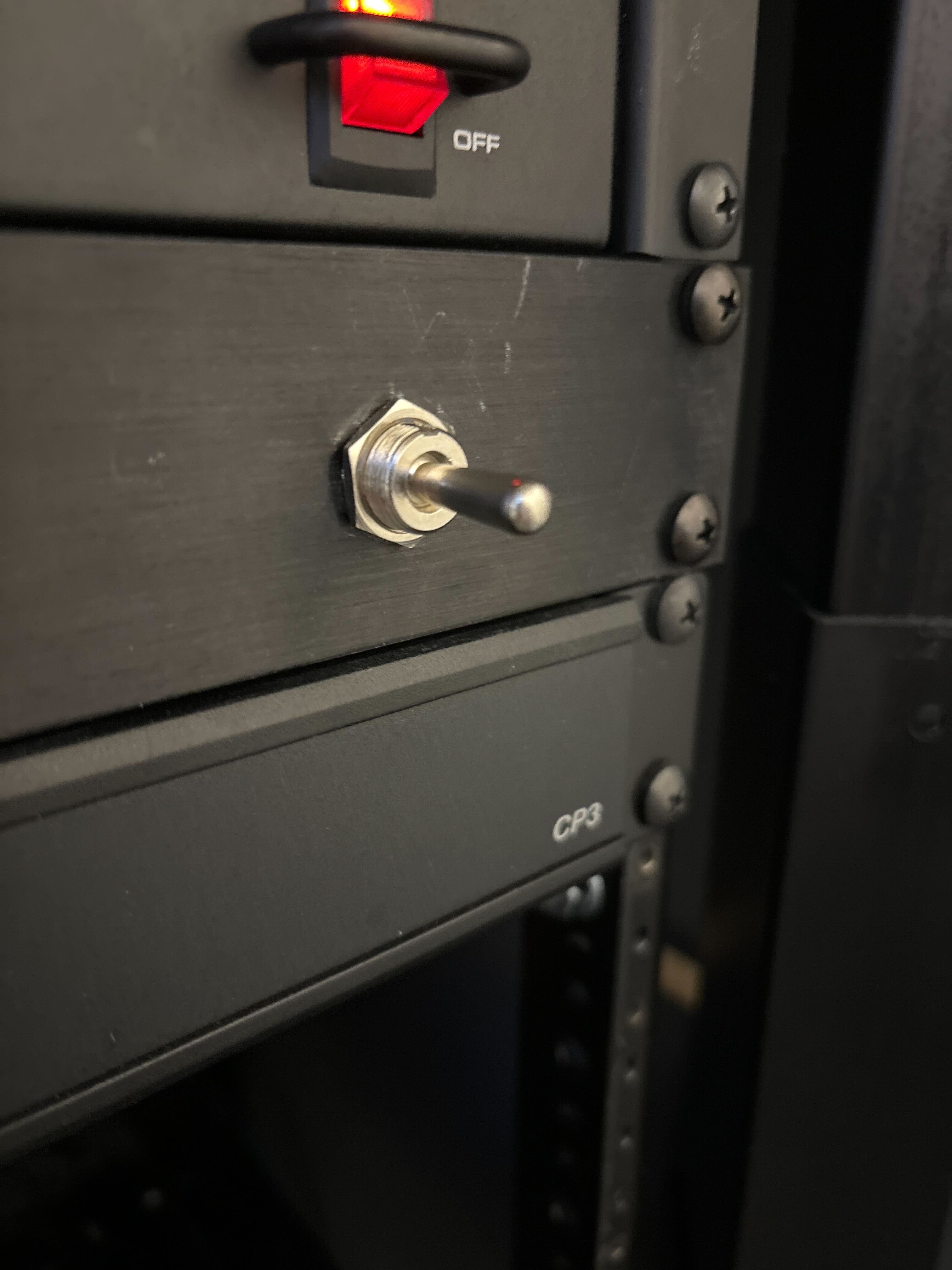
Additional Information
Student View:
Instructor View:
Location: