
Helpful Room Hints
Instructor Microphone Amplification
This room has the ability to send the instructor microphone sound through the local classroom speakers in order to amplify an instructors voice. To do this:
Click the "Mics" button on the bottom left portion of the touch panel
Click the + button until you can start to hear the instructors voice coming through the speakers.
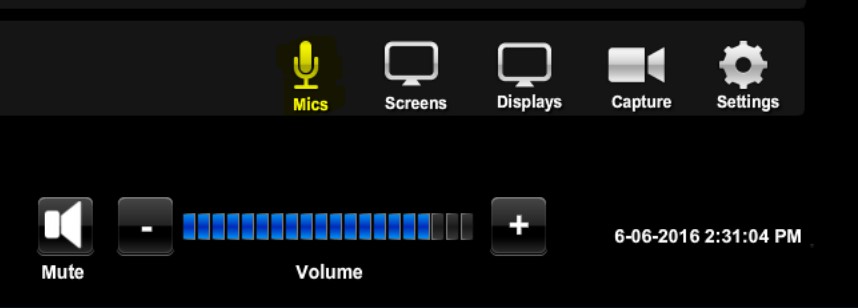

Note that this volume level does NOT effect the audio sent to the sites.
Known Issues
Note that this volume level does NOT effect the audio sent to the sites.
Additional Information
Student View:
Instructor View:
Location: