
Info
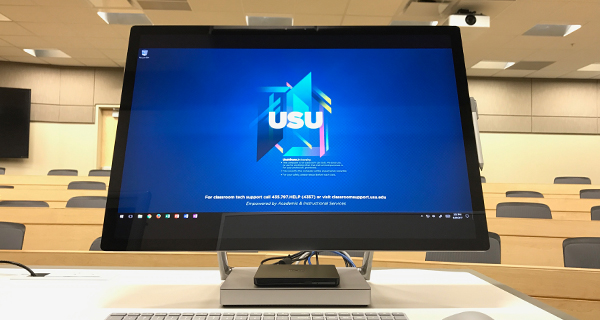
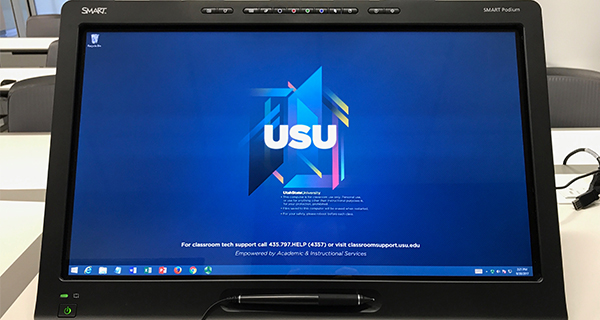
Interactive displays allow one to interact with the classroom computer and annotate on a virtual whiteboard or in applications like PowerPoint. They are extremly useful in large auditoriums or broadcast courses where traditional whiteboards are not ideal.
How to Use:
Select an interactive display to learn more about it.

FAQ
FAQ
Many do, but not all. Check out the Classroom Information page to find rooms with an interactive display.
No, interactive displays cannot be used with laptops - only the classroom computer.
- First, check to see if the computer is asleep by simply pressing any key on the keyboard or moving the mouse.
- If the screen doesn't come up within a few seconds of doing that, verfiy that the classroom computer is turned on. Most computers are located in one of the unlocked cupboards below the instructor desk. Look for a black HP computer. There should be a power buttton on the front of the PC. If the power button is not lit up (blue or white), it is not on. Press the power button to turn it on.
- If the power button is on and the display is still blank/black, contact us and we'll drop by to help.